
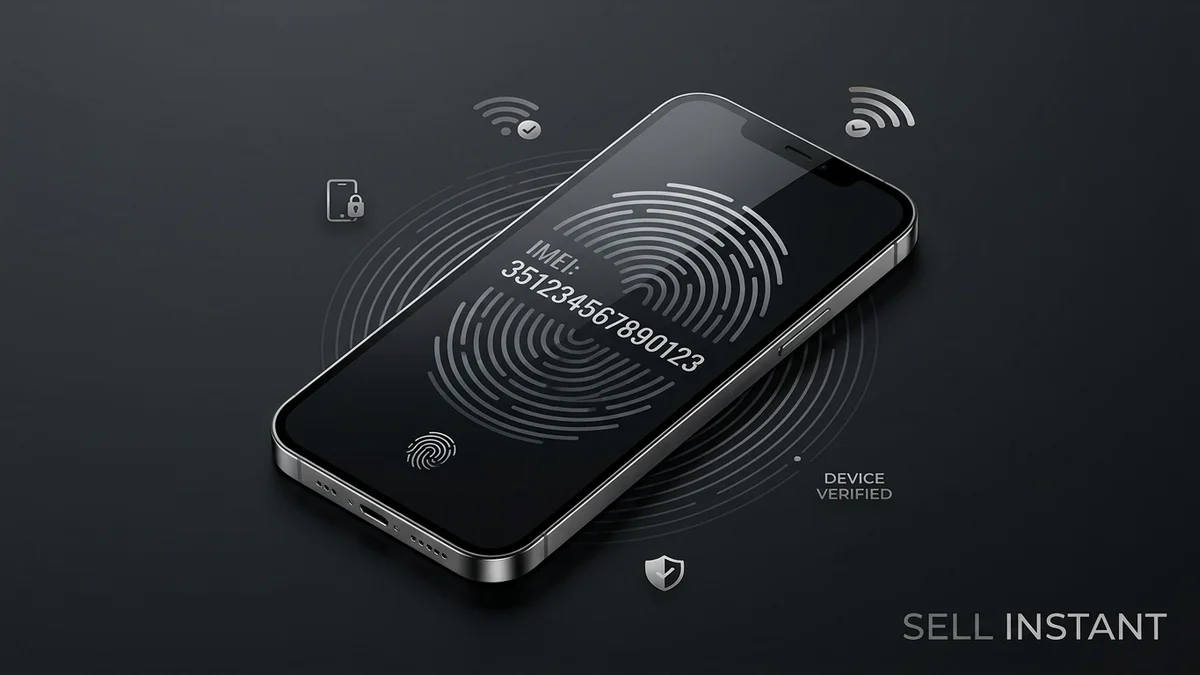
Kavya had a buyer lined up for her old phone within an hour of listing it. Then came the message: "Can you send me the IMEI?" She froze. Was this a normal request, or the first move in a scam? She typed three different replies, deleted all of them, and finally texted her brother. His answer: "Isn't that like your phone's fingerprint?"
Sort of, yes. If you're selling a phone, the IMEI number comes up sooner or later, and knowing what it is, why buyers ask, and what you should share will save you from both needless panic and real mistakes.
What Is an IMEI Number, Really?
IMEI stands for International Mobile Equipment Identity. It's a unique 15-digit number assigned to your handset, and it works like a serial number for the phone's cellular hardware. No two phones share one.
Telecom networks use it to recognise a device. If a phone is reported lost or stolen, the IMEI can be flagged so networks can restrict it. That's why it matters so much in the used phone market.
A few quick facts:
- It belongs to the phone, not your SIM. Swap SIM cards all you like; the IMEI stays the same.
- Dual-SIM phones have two. One for each physical or eSIM cellular slot.
- It isn't your personal data. It doesn't contain your name, address, passwords, or bank accounts.
How to Find Your IMEI Number
You can usually find it in under a minute:
- Dial `*#06#`: This universal code works on nearly every phone and displays the number on screen immediately.
- On an iPhone: Go to Settings > General > About, then scroll down to the Physical SIM / IMEI section.
- On an Android device: Head to Settings > About phone, then look for Status or IMEI information (menus vary slightly by brand).
- On the hardware or box: Many phones have the IMEI laser-etched onto the SIM tray, printed on the back glass, or marked on the original packaging barcode sticker.
Note it down, and take a screenshot. You'll want a private record before the phone leaves your hands.
Why Buyers Ask for Your IMEI Number
Here's the good news: the request is usually legitimate. Careful buyers and professional buying services check the IMEI for a few sensible reasons:
- Checking for lost, stolen, or blacklisted phones: Nobody wants to buy a device that telecom operators will block on local cell towers.
- Verifying the exact model and hardware specs: The IMEI encodes exact chipset, storage tier, and regional model numbers, preventing mismatched listings.
- Checking for unpaid finance or carrier locks: Some phones are bound to active telecom installment plans or locked to a specific carrier.
- Confirming Activation Lock status: On iPhones, this checks if iCloud Activation Lock or remote management (MDM) is active.
- Protecting against fraud: Buyers who've been burned by clone devices or stolen hardware before are naturally cautious.
Think of it as asking for a vehicle's registration number before buying a used car. Reasonable, expected, and a sign the buyer is careful.
What You Should Share (and What You Shouldn't)
This is the part that matters most.
### Generally Fine to Share
- The IMEI number itself: Sharing the 15 digits is standard industry practice, especially through a trusted platform or buying service.
- Model, storage, and cosmetic condition details: Honest descriptions build trust and ensure the quoted price holds.
- Battery health and clear photos: Low risk and helpful for inspection.
### Never Share
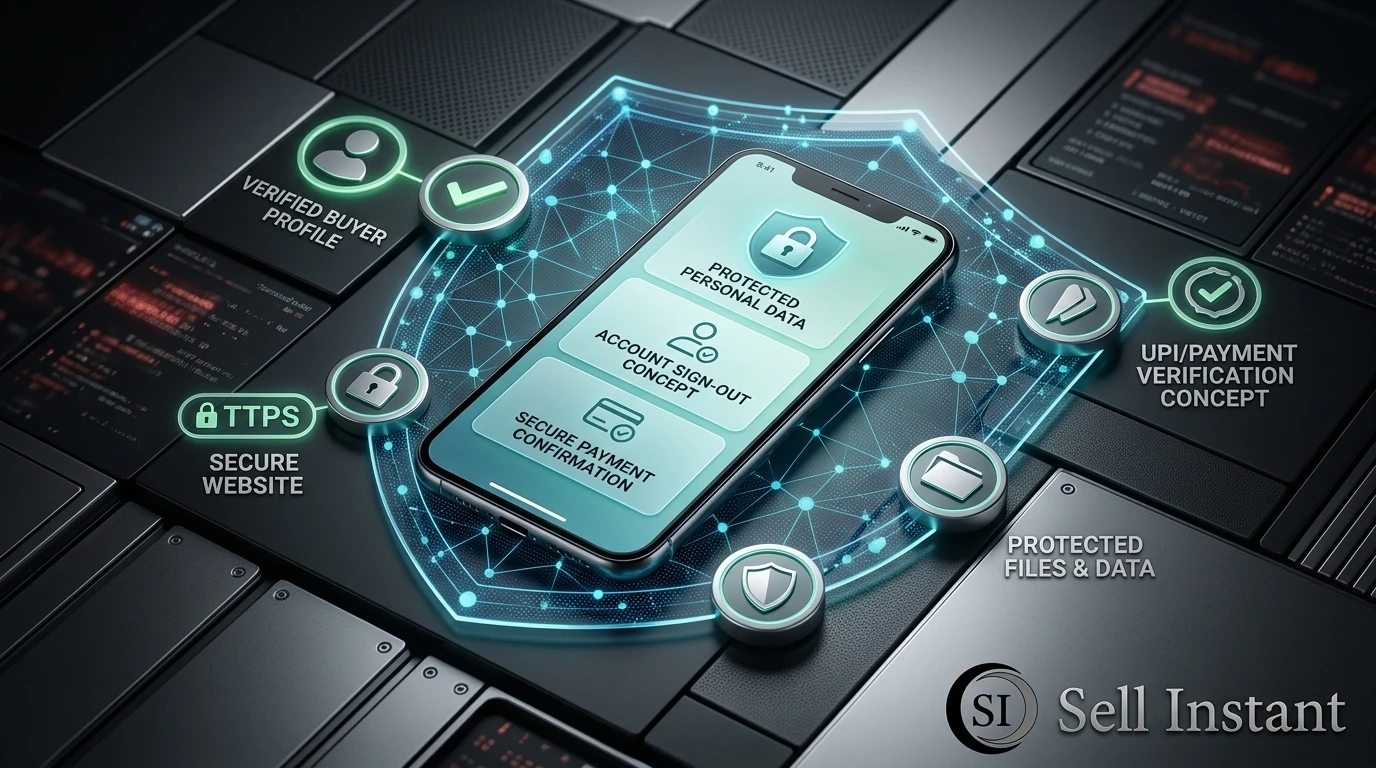
- Passwords, PINs, or screen lock codes.
- OTPs or SMS verification codes: No genuine buyer or courier ever needs these.
- Your Apple ID or Google account login credentials.
- Banking, UPI, or card CVVs: Beyond sharing your payment UPI ID or account number for receiving funds.
- Remote access apps: Never install screen-sharing tools like AnyDesk or TeamViewer at a buyer's request.
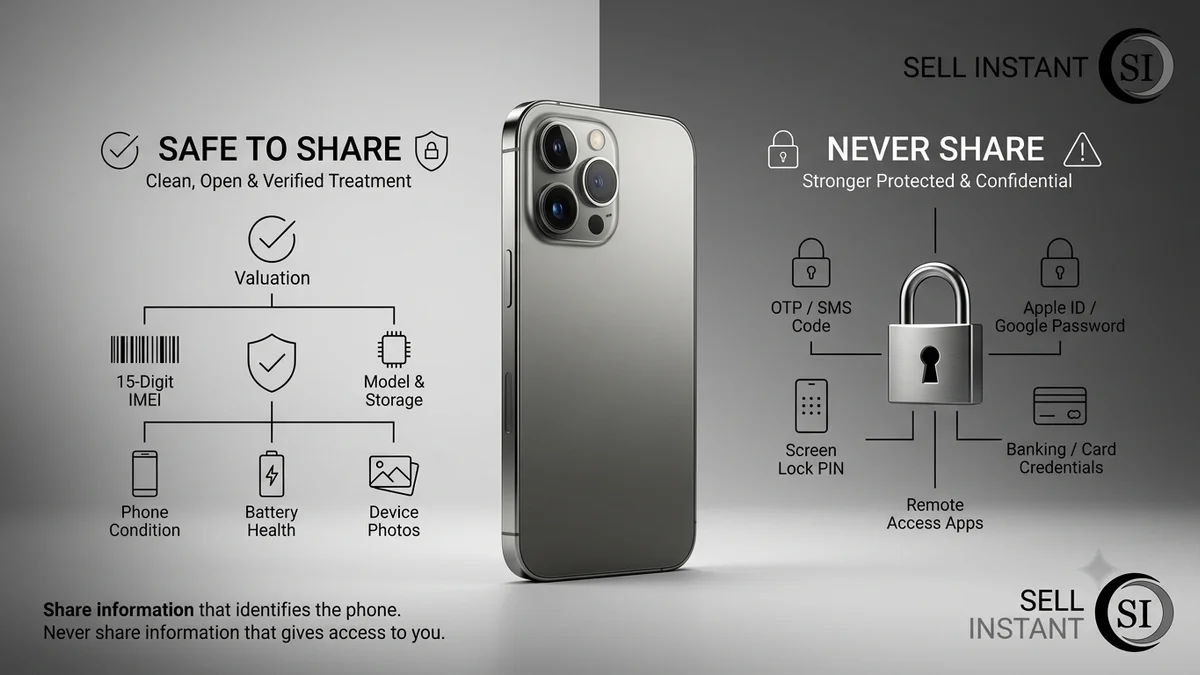
### Comparison: Safe to Share vs. Keep Confidential
| Information Item | Safe to Share? | Safety Rationale & Risk Level |
|---|---|---|
| 15-Digit IMEI Number | Safe to Share | Identifies hardware model & blacklist status; cannot access accounts |
| Model, Storage & Condition | Safe to Share | Essential for accurate valuation and doorstep verification |
| Battery Health % & Device Photos | Safe to Share | Transparent proof of hardware condition |
| OTP / SMS Verification Codes | NEVER SHARE | Critical danger: used for account takeover & banking fraud |
| Apple ID / Google Password | NEVER SHARE | Direct access to personal data, photos & cloud backups |
| Screen Lock PIN / Passcode | NEVER SHARE | Wipe device completely instead of giving your personal passcode |
| Screen Sharing / Remote Apps | NEVER SHARE | Severe fraud vector used to siphon bank accounts |
A good rule of thumb: the IMEI identifies the phone, not you. Anything that identifies you stays with you.
Is It Risky to Share an IMEI Number?
Honestly, the risk is low but not zero. An IMEI alone doesn't let anyone hack your phone or access your accounts. But a few precautions are smart:
- Share it through the platform's messaging: That keeps a written record in case of disputes.
- Be cautious with unknown peer-to-peer buyers: If someone asks for the IMEI and then immediately pressures you for an OTP or personal details, treat that as a red flag.
- Beware of clone or counterfeit schemes: In rare cases, scammers misuse an IMEI to flash fake cloned devices.
- Don't post it on open public forums: Share it privately with a prospective buyer or directly with a verified platform like Sell Instant.
Take Arjun's experience: he shared his IMEI with a classifieds buyer, then got a follow-up request asking for his OTP "to verify phone ownership." He blocked them on the spot. The IMEI request was standard; the OTP request was the fraud attempt.
Check Your Own Phone's IMEI Status Before Selling
Don't wait for the buyer to find an issue. Do a quick pre-sale check yourself:
- Note down your IMEI using `*#06#`.
- Check blacklist status: Ensure your phone isn't mistakenly flagged or tied to unpaid carrier contract installments.
- Confirm the phone is unlocked: Ensure no active telecom lock or employer device management (MDM) profile exists.
- Sign out of accounts & disable Find My: This prevents Activation Lock roadblocks for the incoming owner. (See our step-by-step factory reset and wipe guide).
A clean IMEI and a properly wiped phone make your handset easier to sell and protect your final payout.
Protect Yourself After Sharing the IMEI
Your records are your personal safety net:
- Keep the IMEI privately saved alongside the original purchase invoice.
- Photograph the phone, its packaging, and the IMEI screen before shipping or handing over.
- Ship with tracked delivery or choose verified doorstep pickup.
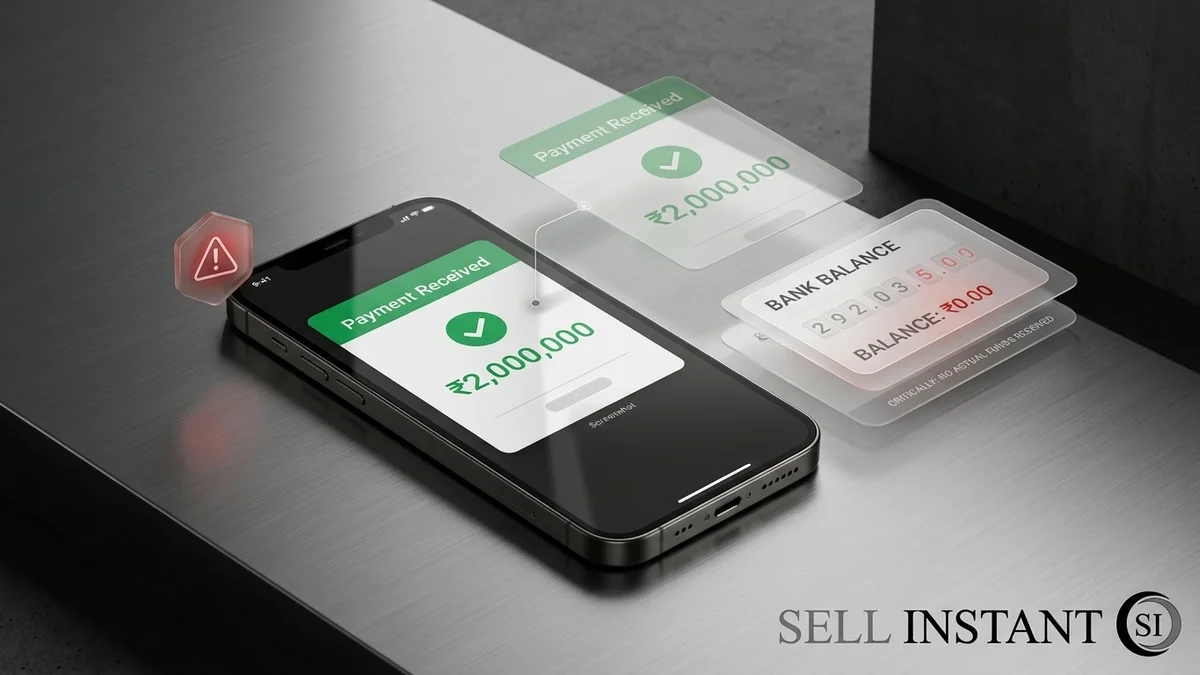
- Always verify incoming payment directly inside your banking app before handing over the device.
- Remove the device from your Apple ID or Google devices list once payment is completed.
If you want a secure, zero-stress sale with verified doorstep evaluation and instant payment, check your device value on our sell your phone page.
Frequently Asked Questions (FAQs)
Frequently Asked Questions (FAQs)
It's a unique 15-digit identifier for your phone's cellular hardware, used by telecom networks and buyers to recognise the device.
Generally yes, especially through a trusted platform or buying service. It identifies the hardware, not you. Never share passwords, OTPs, or account logins.
Dial *#06# on the phone keypad, or check Settings > About on your phone. It may also be printed on the SIM tray or original box.
No. An IMEI alone does not grant access to your passwords, photos, messages, or bank accounts. Still, it's best to share it privately rather than in public forums.
They use it to check the phone isn't stolen, blacklisted, or tied to unpaid finance, and to verify the exact model and variant.
No. The IMEI belongs permanently to the physical cellular modem hardware and remains unchanged after resets or software updates.
Final Thoughts
The IMEI number explained simply: it's your phone's fingerprint, and buyers ask for it to protect themselves. Sharing it is usually fine, while sharing passwords, OTPs, or account logins never is. Check your IMEI status, keep a private record, and verify payment before you ship. Kavya, by the way, sent her IMEI, sold her phone the same afternoon, and finally stopped overthinking her replies.
Ready to sell your phone with confidence? Get your instant quote on Sell Instant with free doorstep pickup, certified data wipe, and instant payment on the spot. Have other devices to trade in? You can also sell your old laptop or sell your iPad or tablet. Have questions first? Contact our team or read more safety guides on our blog.
Upgrading or Selling Your Sell Old Mobile?
Get an instant guaranteed valuation online in 60 seconds with 100% free doorstep pickup and immediate UPI payment across India.