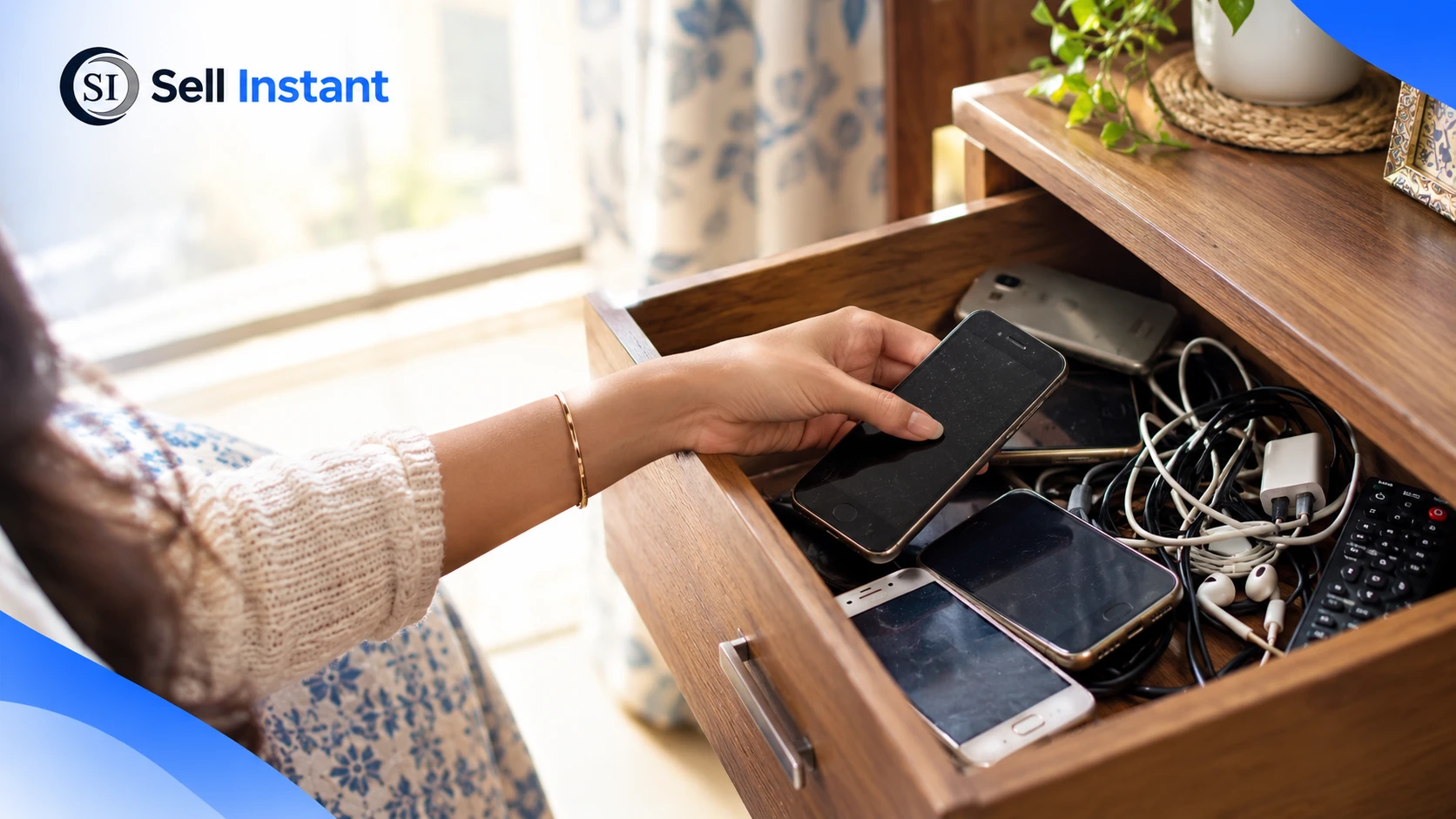

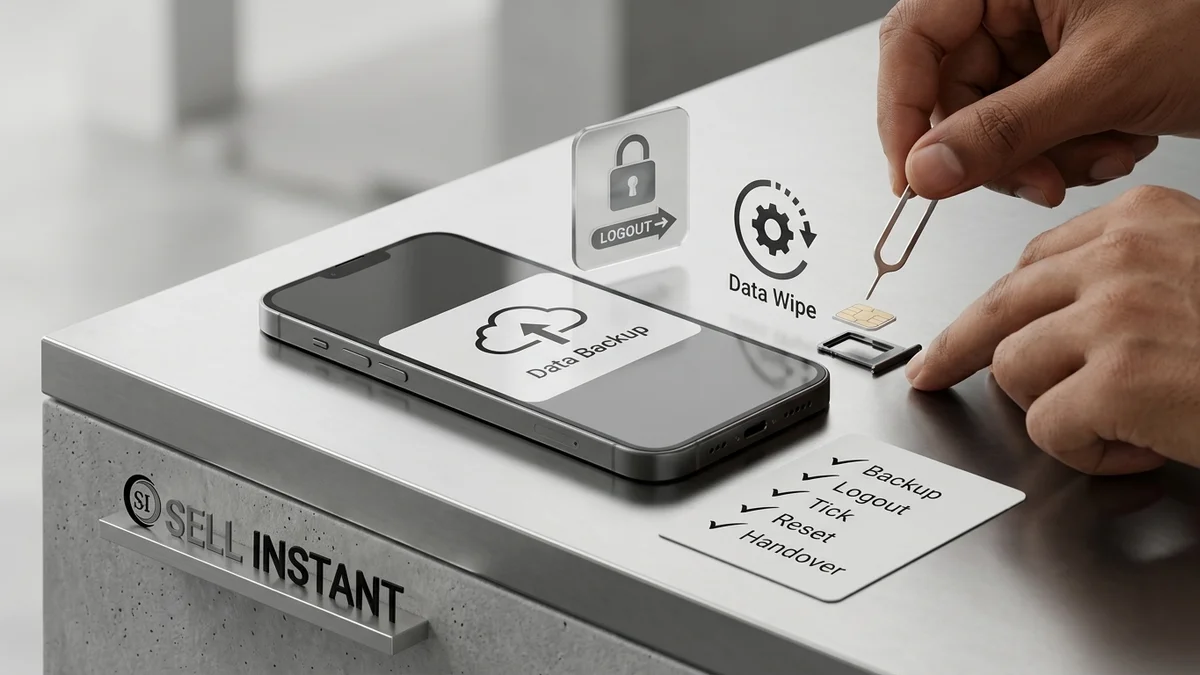
Three summers ago, I sold my old phone to a friendly guy who met me outside a coffee shop. He counted the cash, shook my hand, and drove off. I felt great for about forty minutes. Then I remembered the photos of my grandmother's last birthday, which lived only on that phone. I also remembered I was still signed in to my email, my banking app, and, for some reason, a pizza delivery account with my card saved.
Not my finest moment. If you're about to part with an old device, here are the 7 things I wish I'd done before handing over my old phone. Learn from my mess, and your sale will go a lot smoother.
1. Back Up Everything (and Actually Check the Backup)
This one is the heartbreaker. I assumed my phone was backing up automatically. It had stopped months earlier, and I never noticed.
Before you do anything else:
- Photos and videos: Copy them to cloud storage (Google Photos or iCloud) or directly to a computer.
- Contacts and messages: Export them or sync them to your cloud account.
- Chat apps: WhatsApp, Telegram, and Signal need their own explicit in-app chat backups.
- Documents and downloads: Check your Files or Downloads app. Forgotten PDF tickets, invoices, and tax files often hide there.
Then open the backup on another device and actually inspect a few files. A backup you haven't tested is just a hopeful guess.
2. Sign Out of Every Account & Turn Off Find My Device
Wiping a phone doesn't always mean you're free of it. If your Apple ID or Google account is still linked, the buyer can get locked out by Activation Lock or Factory Reset Protection (FRP), and you'll get an angry message a week later.
Sign out of:
- Apple ID or Google account: Log out in System Settings.
- Brand accounts: Samsung Account, Mi Account, OnePlus, or Oppo cloud.
- Banking and UPI apps: De-link Google Pay, PhonePe, Paytm, and mobile banking apps.
- Shopping and streaming: Amazon, Flipkart, Netflix, and food delivery apps with saved cards.
### Turn Off Find My Device
This is the sneaky one. Find My iPhone or Find My Device is a brilliant feature while the phone is yours. Once it's in a stranger's hands, it becomes an impenetrable brick. Turn it off before resetting, so the new owner can set up the phone without calling you for your password.
3. The Safe Handover Checklist & Proper Factory Reset
Deleting photos and uninstalling a few apps is not the same as wiping a phone. A factory reset clears your personal data and returns the phone to its fresh-out-of-the-box state.
### The Correct Handover Sequence
| Step | Action Item | Why It Matters |
|---|---|---|
| Step 1: Complete Backup | Cloud + Local Drive sync | Protects irreplaceable personal memories & contacts |
| Step 2: Account Sign-Out | Apple ID / Google / Brand Accounts | Disables Activation Lock & Factory Reset Protection (FRP) |
| Step 3: Disable Tracking | Turn off Find My iPhone / Find My Device | Prevents bricking the phone for the incoming buyer |
| Step 4: Factory Reset | Certified system erase under Settings | Destroys local encryption keys, wiping all personal data |
| Step 5: Eject Cards | Remove SIM tray & MicroSD cards | Keeps your phone number and external files in your pocket |
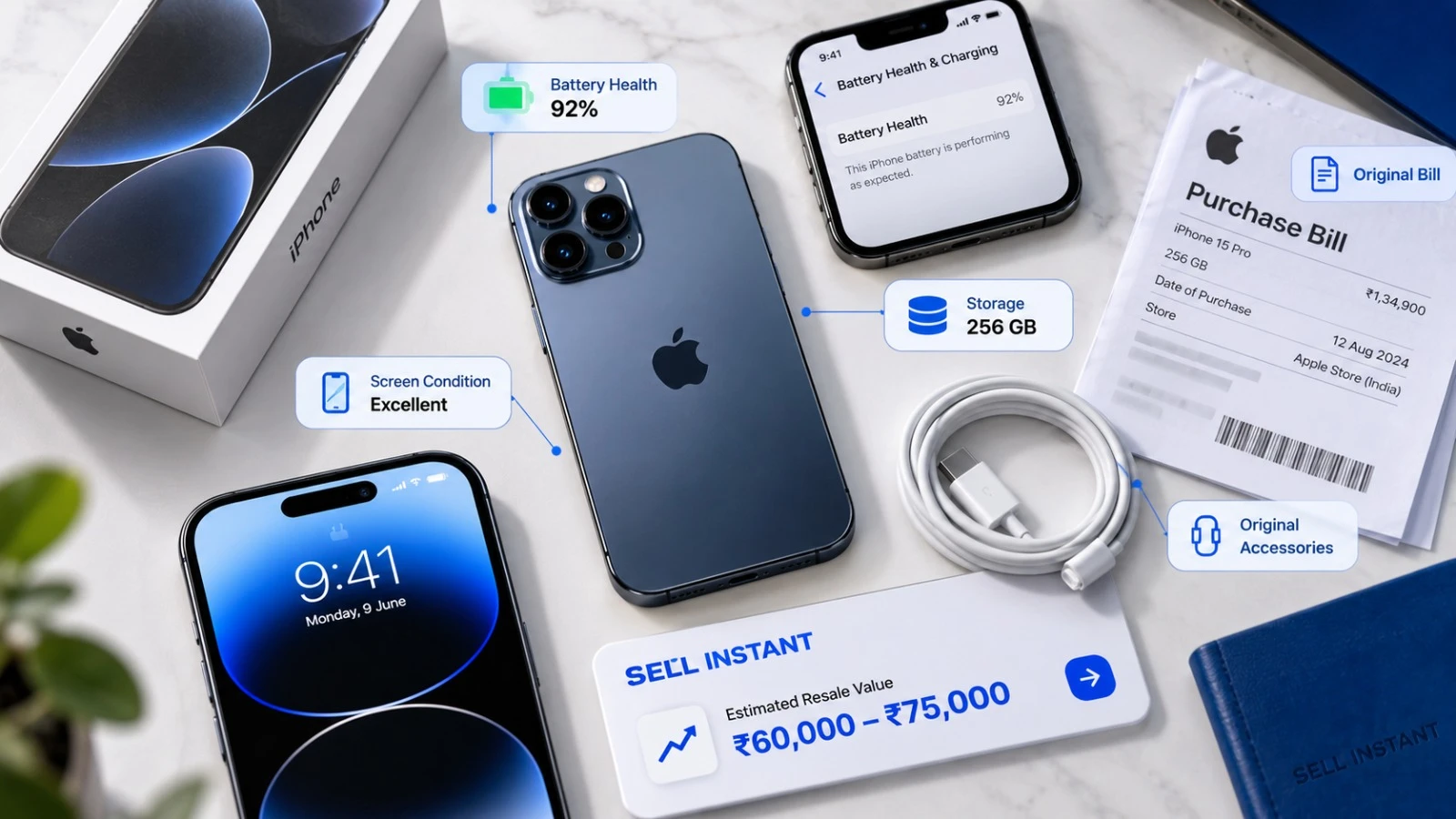
| Step 6: Document Condition | Capture IMEI & photos in good light | Eliminates false disputes and post-sale renegotiations |
| Step 7: Compare Offers | Instant buyback vs. P2P vs. Exchange | Ensures you pocket the maximum cash value |
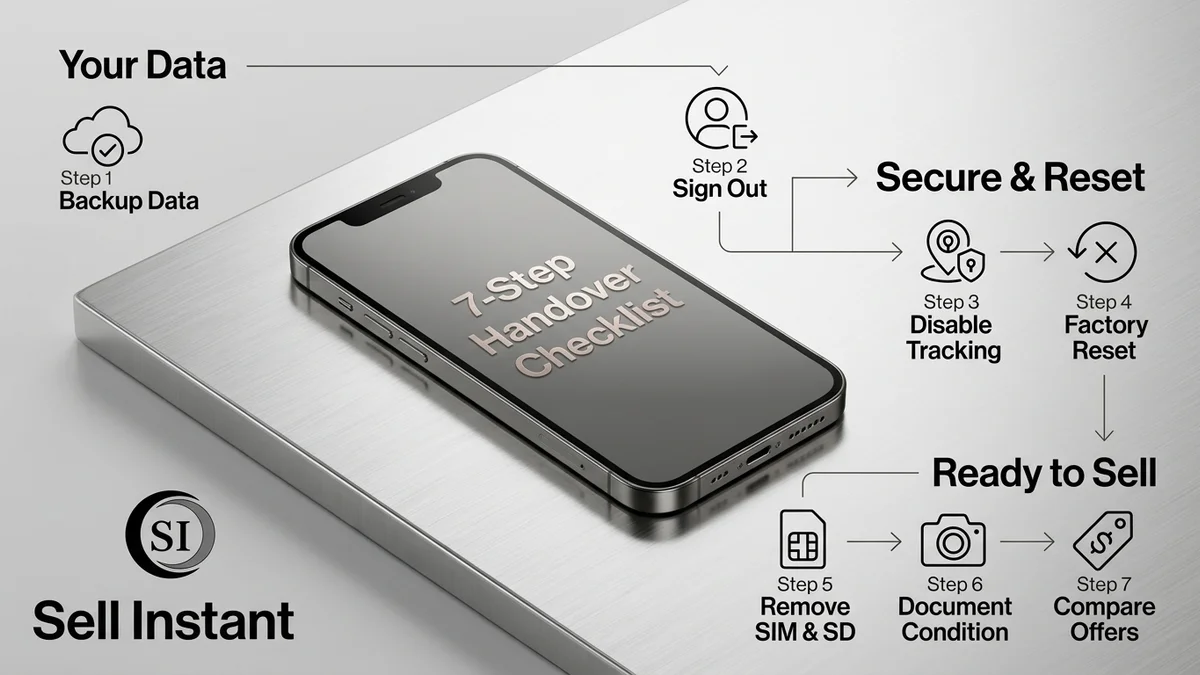
Always confirm the phone displays the animated "Hello" or setup welcome screen when it reboots. If it asks for an old PIN or Google account, the wipe wasn't complete.
4. Remove Cards, Document Condition & Compare Real Offers
### Remove the SIM Card and Memory Card
It sounds too obvious, but people ship phones with SIM cards inside every day. Your SIM carries your cellular identity and OTPs, and a microSD card can hold personal files that a factory reset doesn't touch. My cousin Vikram once handed over a phone with a memory card still tucked inside. Lucky for him, the buyer was polite enough to mail it back.
### Document the Phone's Condition
A buyer once claimed my phone arrived with a cracked corner that was never there. Because I had no photos, I had no leverage.
- Take clear photos of the front, back, sides, and screen illuminated.
- Note down the IMEI number (`*#06#`) for your personal records.
- Record a 10-second video showing the touch responsiveness and cameras.
- Disclose cosmetic marks honestly. Accurate descriptions protect your quote from being reduced.
### Compare Offers Before You Sell
Don't settle for the very first number you see. Check at least three options:
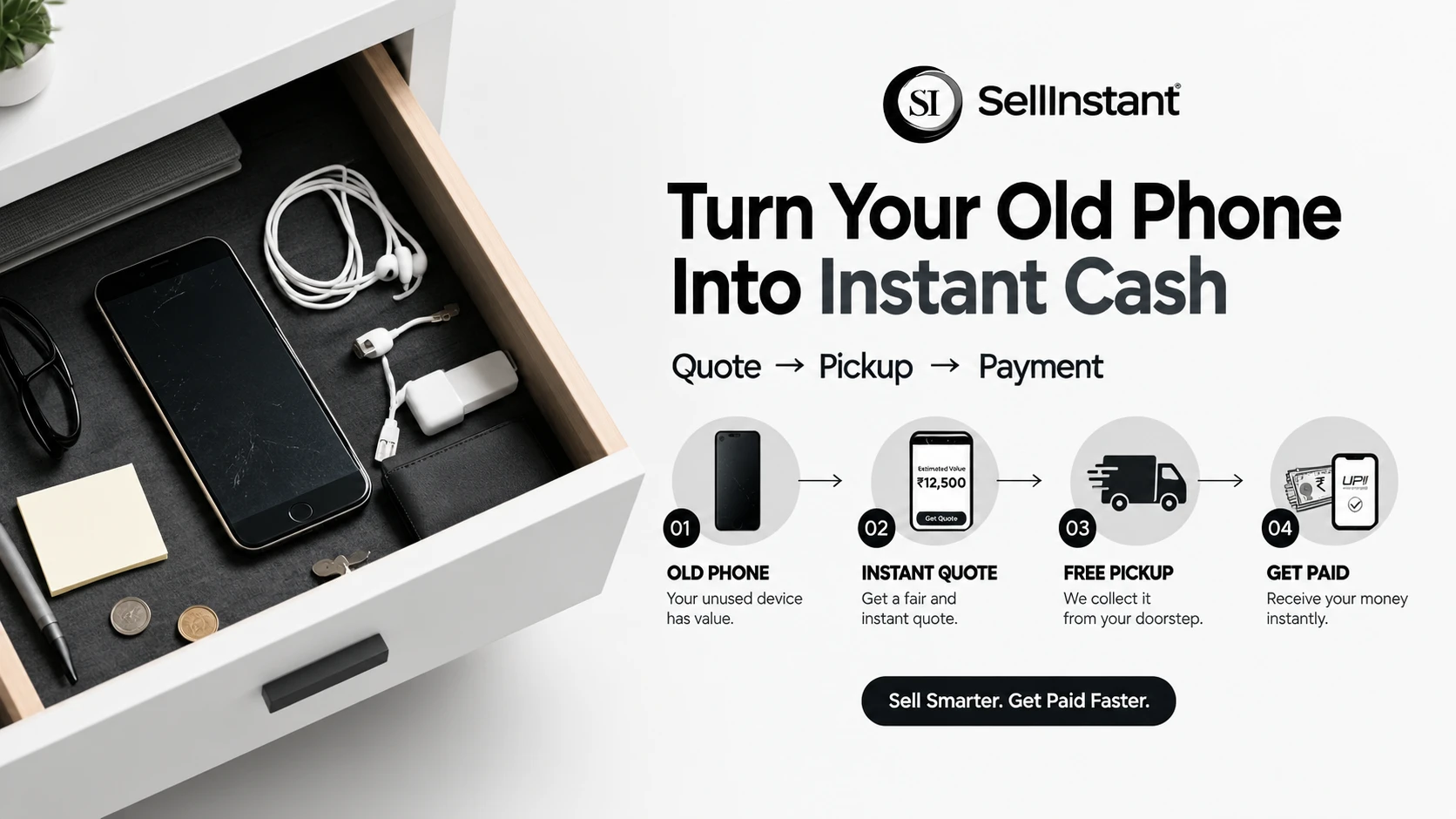
- Instant-quote buying services (Sell Instant): Fast, transparent algorithmic quote with free doorstep inspection and instant payment.
- P2P marketplaces: High theoretical ceiling, but requires heavy haggling, meeting strangers, and fraud risks.
- E-commerce exchange: Convenient at checkout, but values are often docked heavily upon delivery courier inspection.
Frequently Asked Questions (FAQs)
Frequently Asked Questions (FAQs)
Signing out of your Apple ID or Google account and disabling Find My Device. If you forget this step, the phone remains locked by Activation Lock, rendering it unusable to the buyer.
Yes. On modern iOS and Android devices, all storage is hardware-encrypted. When you run a factory reset, the device destroys its cryptographic keys, making file recovery virtually impossible.
You can, but you will lose all files once the device is wiped. Always verify your cloud backup on another device or computer before performing the reset.
Taking timestamped photos of the screen, corners, and IMEI provides indisputable proof of the device's condition, protecting you against false damage claims or unauthorized deductions.
Your SIM card allows incoming calls, SMS messages, and two-factor authentication OTPs to reach whoever holds the phone. If you forget your SIM, contact your telecom carrier immediately to block and re-issue the SIM card.
Final Thoughts
Selling or giving away an old phone doesn't have to end in panic. Back up your files, sign out of your accounts, eject your cards, and verify your payout before handing it over.
Ready to sell your phone the smart, safe way? Get an instant quote on Sell Instant, book a free doorstep inspection, and get paid instantly via UPI or cash with zero hassle. Upgrading a laptop or tablet too? You can also sell your old laptop or sell your iPad or tablet. Have questions first? Contact our team or read more guides on our blog.
Upgrading or Selling Your Sell Old Mobile?
Get an instant guaranteed valuation online in 60 seconds with 100% free doorstep pickup and immediate UPI payment across India.