
A few years back, my cousin Rohan sold his old MacBook Air to a stranger from an online classifieds app. He deleted a few folders, emptied the Trash, and figured that was that. Two weeks later, the buyer messaged him: "Nice vacation pics, by the way." Rohan went pale.
Don't be Rohan. If you want to sell your Mac safely, you need to factory reset MacBook before selling it, and that means more than clearing out the obvious stuff. The good news? It takes about an hour and zero technical wizardry. This guide walks you through every step, so the only thing leaving your hands is the laptop.
Why You Should Factory Reset MacBook Before Selling
Think of your MacBook as a diary, wallet, and filing cabinet rolled into one. Saved passwords, tax documents, work emails, browser history: it's all in there. Dragging files to the Trash doesn't make them vanish. It just moves them. A proper wipe is the only way to make sure your data stays yours.
There's a practical side too. If your Apple ID is still tied to the machine, the buyer ends up with an expensive paperweight. They'll message you angrily, demand a refund, or leave a bad review. Taking the time to factory reset MacBook before selling protects both of you.
Here's what you gain:
- Privacy: Your photos, messages, and logins are gone for good.
- A smoother sale: Buyers trust a clean, ready-to-use machine.
- A better price: A fresh install feels like new, and people pay more for that.
- Peace of mind: No 3 a.m. panic about what you forgot to delete.
Prep Work: Back Up and Sign Out First
Before you erase anything, slow down. This is the part people rush, and it's where the regrets come from.
### Back up everything that matters
Plug in an external drive and run Time Machine, or copy your files to iCloud Drive or another cloud service. Then actually open the backup and check a few files. I've heard of people finding an empty backup folder after the wipe. That's a heartbreaking lesson you can skip.
### Sign out of your Apple services
Skipping this step is the number one mistake people make when they factory reset MacBook before selling, and it's the reason buyers get locked out. Work through this list:
- iCloud: Go to Apple menu > System Settings > click your name > Sign Out.
- Messages: Open Messages > Settings > iMessage > Sign Out.
- Bluetooth devices: Unpair your keyboard, mouse, and headphones so they don't reconnect to the new owner's Mac.
- Third-party apps: Deactivate licenses for software like Adobe Creative Cloud or Microsoft Office.
- Apple ID password: Forgot your Apple ID password? Reset it now, not halfway through the process.
How to Factory Reset MacBook: Newer vs. Older Models
The right method depends on your Mac's age. Not sure what you have? Click the Apple logo, then choose About This Mac. If you see an Apple Silicon chip (M1, M2, M3, or M4), or an Intel Mac with a T2 security chip running macOS Monterey or newer, you get the easy route.
### Comparison: Resetting Newer vs. Older Macs
| Feature | Newer Macs (M1/M2/M3/M4 or T2 Chip) | Older Intel Macs (Pre-2018 or macOS Big Sur & earlier) |
|---|---|---|
| Primary Method | System Settings → "Erase All Content and Settings" | macOS Recovery (Command + R) + Disk Utility |
| Time Needed | 5 to 10 minutes | 45 minutes to 2 hours (depends on Wi-Fi speed) |
| Difficulty Level | Extremely Simple (Automated) | Moderate (Manual disk wipe & OS download) |
| Find My & Activation Lock | Disabled automatically during wizard | Must be manually signed out before wiping |
| Data Security | Instant cryptographic erasure | Full drive reformat |
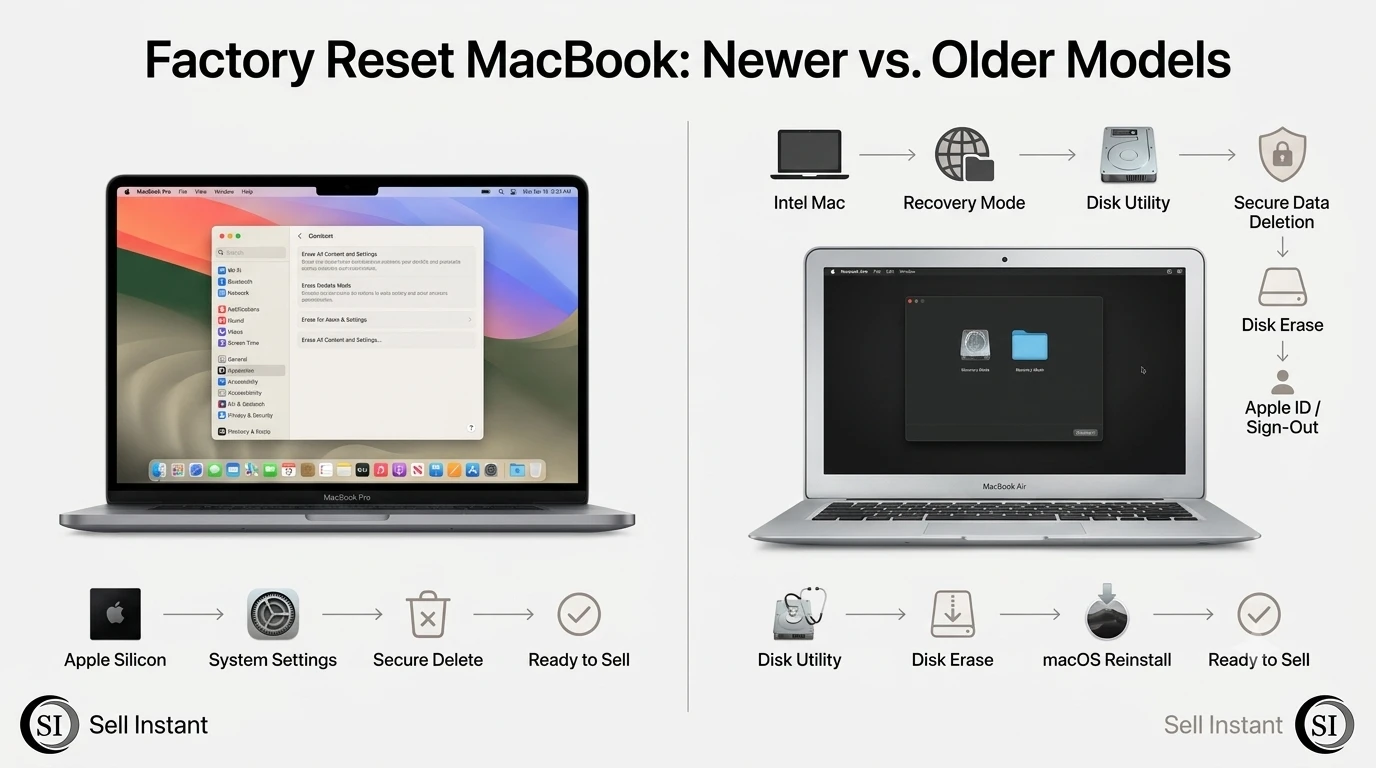
### The Easy Way: Newer Macs (macOS Monterey, Ventura, Sonoma, Sequoia)
1. Open the Apple menu and go to System Settings > General > Transfer or Reset.
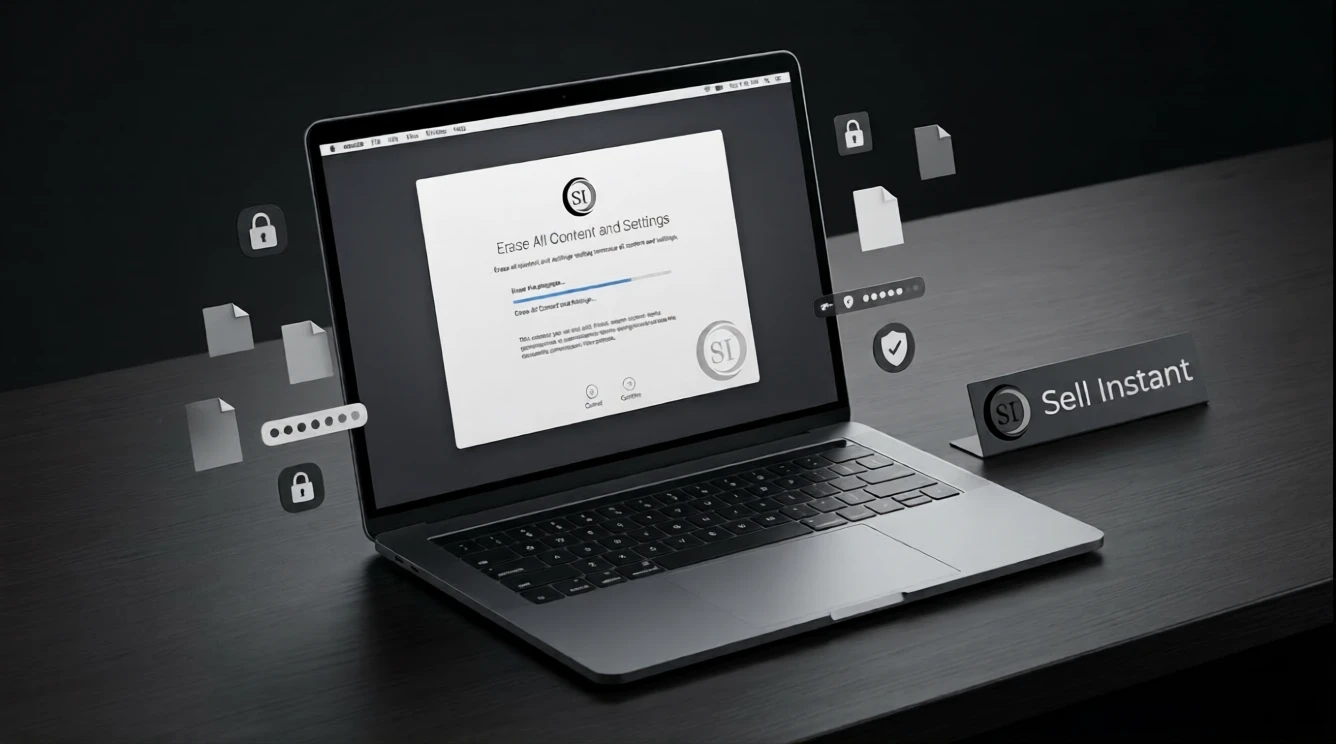
2. Click Erase All Content and Settings.
3. Enter your administrator password and follow the prompts.
4. Let the Mac restart. When you reach the setup assistant screen, don't continue. Just hold the power button to shut it down.
This is the cleanest way to factory reset MacBook before selling, because it wipes your data, signs you out of your Apple ID, and turns off Find My in one go. Honestly, it feels almost too simple.
### Factory Reset MacBook Before Selling on Older Intel Models
Older machines need a little more elbow grease. You'll use Recovery Mode and Disk Utility:
1. Shut down the Mac, then turn it on while holding Command + R until the Apple logo appears. (On Apple Silicon without the erase option, hold the power button until "Loading startup options" shows up, then choose Options.)
2. Open Disk Utility and select Macintosh HD.
3. Click Erase, choose APFS, and confirm.
4. Quit Disk Utility and choose Reinstall macOS.
5. When the welcome screen appears, power the Mac off by pressing Command + Q and choosing Shut Down.
The reinstall can take anywhere from thirty minutes to a couple of hours, depending on your internet speed. Grab a coffee, binge an episode, and let it do its thing. You'll need a stable Wi-Fi connection, so don't try this on spotty hotel internet.
After the Reset: Final Checks and Smart Selling Tips
You're nearly done, but a few finishing touches separate a quick sale from a headache:
- Remove the Mac from your Apple ID: Visit appleid.apple.com or check your device list in System Settings on your phone, and delete the old MacBook.
- Confirm it's truly clean: The setup screen should greet a stranger with a language selector, not ask for your Apple ID or disk password.
- Clean it up: A microfiber cloth for the screen and a soft brush for the keyboard work wonders.
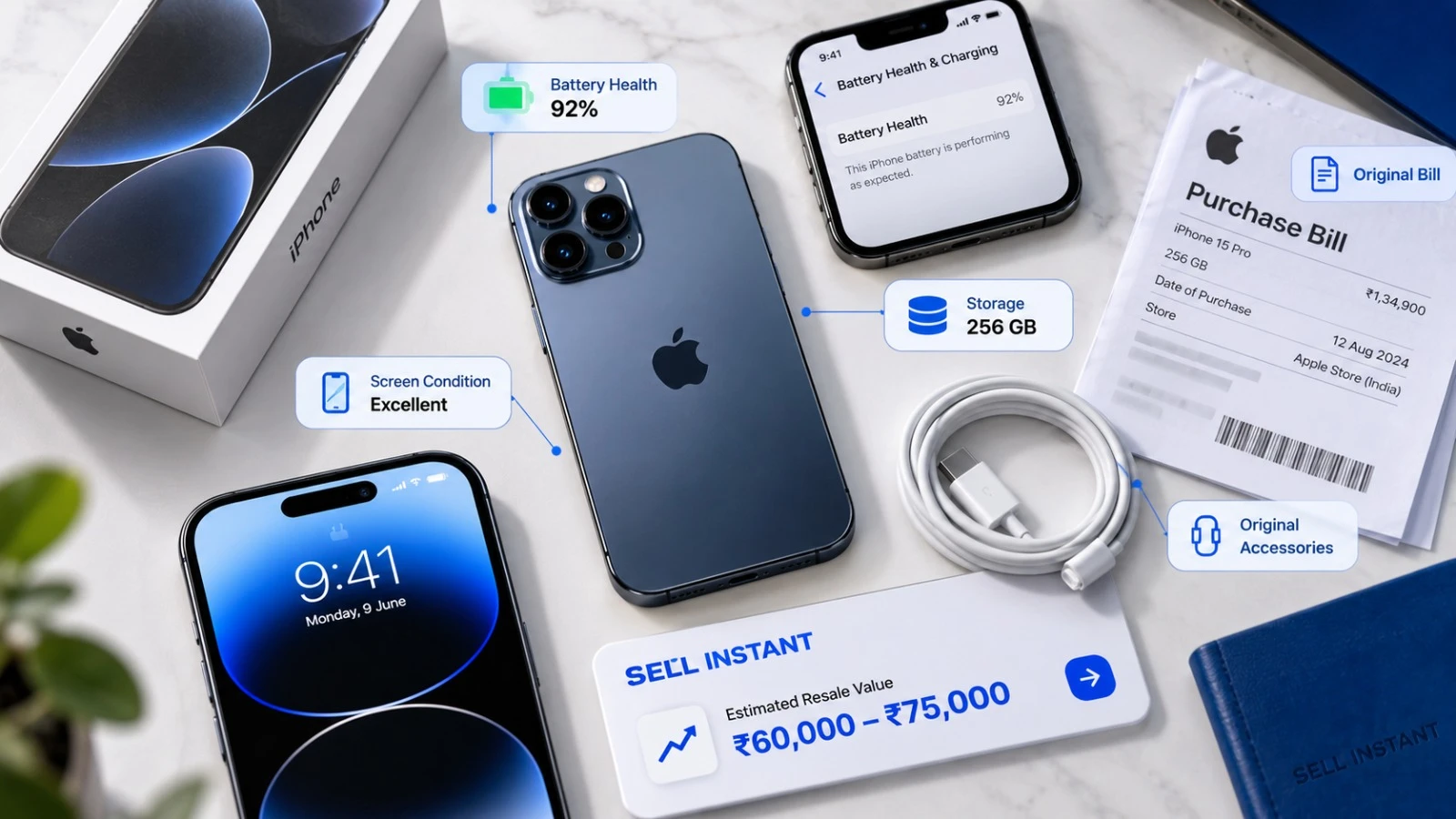
- Gather the extras: Original charger, USB-C/MagSafe cable, and the original box if you have it. Having all accessories improves your offer.
- Be honest in your listing: Mention scratches, battery wear, or minor denting. Trust sells, and undisclosed flaws only trigger renegotiations at pickup.
My friend Meera sold her MacBook Pro recently after upgrading to an M3 Max. Instead of posting classified ads and dealing with endless lowballers or strangers wanting to visit her home, she entered her laptop specs on Sell Instant, got an upfront algorithmic quote, and booked a free doorstep pickup. An executive checked the machine at her desk, and the payment arrived via UPI in seconds. Whether you sell to a colleague or use an instant buyback platform, a properly reset Mac guarantees a seamless transaction.
Frequently Asked Questions (FAQs)
Frequently Asked Questions (FAQs)
Yes. On modern macOS versions (Monterey, Ventura, Sonoma, Sequoia), the Erase Assistant prompts for your Apple ID credentials to disable Find My and sign out before safely wiping your cryptographic encryption keys.
No. On Macs equipped with Apple Silicon (M1/M2/M3/M4) or the Apple T2 Security Chip, all files are hardware-encrypted. When you trigger a factory reset, the hardware encryption keys are destroyed instantly, making file recovery virtually impossible.
If you don't sign out, Activation Lock remains active. The new owner will be blocked at the setup screen and cannot use the Mac without your Apple ID and password.
On modern Apple Silicon Macs using "Erase All Content and Settings", the entire process takes about 5 to 10 minutes. On older Intel Macs requiring a complete internet recovery reinstall, it typically takes between 45 minutes and 2 hours depending on your internet connection.
Yes. Used MacBooks command strong resale value even with normal battery degradation or cosmetic blemishes. Simply report the condition accurately during your online quote to receive a guaranteed, fair price.
Final Thoughts
Taking an hour to factory reset MacBook before selling it protects your privacy, avoids painful disputes with buyers, and ensures you get the highest valuation for your old laptop. Back up your files, sign out of your Apple ID, wipe the drive, and you're set.
Ready to sell your MacBook? Get an instant quote for your MacBook on Sell Instant, schedule a free doorstep pickup, and get paid instantly via cash or UPI. Selling other devices as well? You can also sell your old iPhone or sell your iPad or tablet. Have questions first? Contact our team or explore more tips on our blog.
Upgrading or Selling Your Apple MacBook?
Get an instant guaranteed valuation online in 60 seconds with 100% free doorstep pickup and immediate UPI payment across India.